
Why mobile repair businesses need a focused invoice workflow
Full accounting platforms can be useful when a business needs a general ledger, bank reconciliation, payroll, or tax preparation. They can also add unnecessary screens to the job a service owner repeats every day: identify the customer, describe the work, calculate a clear total, save the invoice, and follow the payment.
Handoff focuses on that operational record. It keeps quotes, invoices, customers, jobsites, assets, reusable items, payment status, and basic expense records together without claiming to replace accounting software.
- Creating an accurate invoice away from an office computer
- Matching equipment, vehicles, or assets to the right customer
- Recording travel, diagnostics, labour, parts, and consumables
- Remembering to invoice or follow up after leaving the site
What Handoff helps you do
- Use a responsive workflow in the field
- Save customer assets and service locations
- Reuse common diagnostic, travel, labour, and part items
- Keep drafts, sent work, and payment status in one place
A practical workflow from job to invoice
Open the job context on your phone
Select the customer, service location, and vehicle or equipment while you are still at the site. The mobile layout keeps the core workflow available without an office computer.
Capture travel, diagnosis, and repair
Record the callout or mileage charge, diagnostic work, repair labour, and customer-facing explanation while the details are current.
Add installed parts and consumables
Choose saved catalog items or enter job-specific parts and materials. Handoff updates the total as quantities, rates, discounts, and taxes change.
Save before leaving and reopen later
Review the complete amount with the customer, save the invoice, and return later to record payment or export the record without reconstructing the visit.
Example: on-site small-engine repair
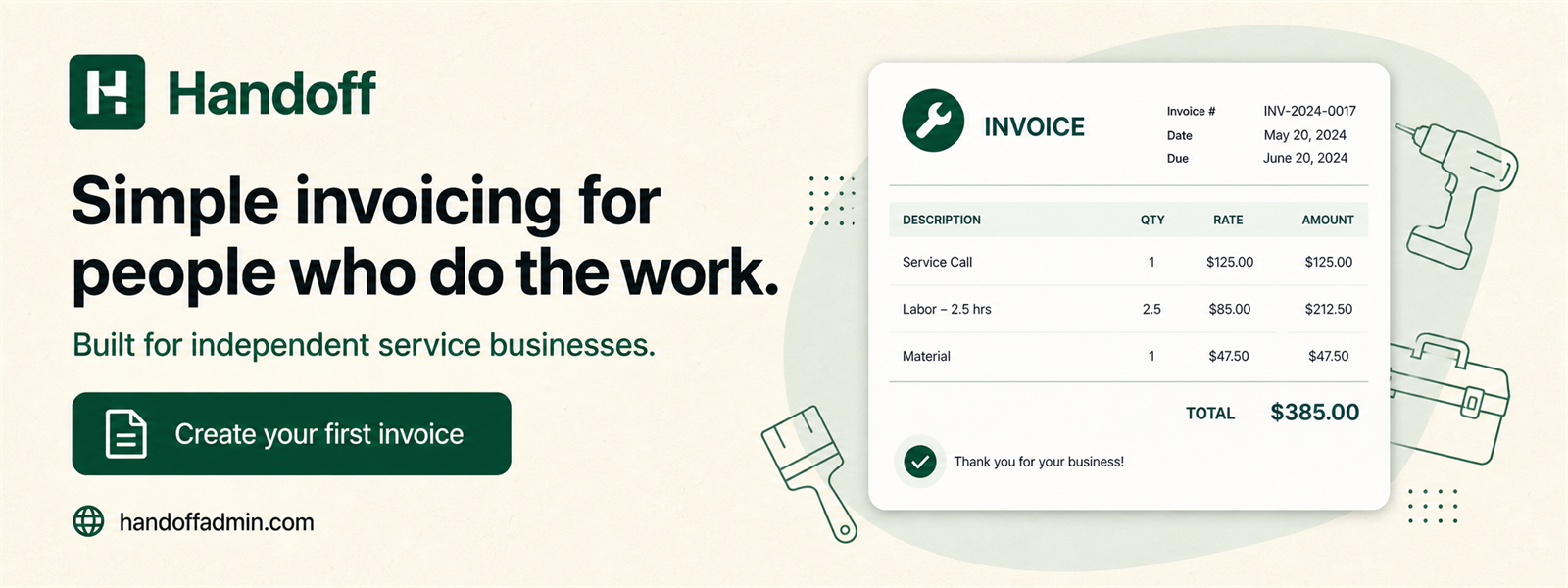
A mobile technician can itemize the field visit rather than presenting one unexplained amount. A typical invoice might show:
The customer, location, and asset stay connected so the technician can reopen the invoice after leaving the site. Stable saved records are especially useful when one customer owns several machines or vehicles.
Keep income and expense records connected to the business
Field businesses can capture fuel, mobile data, replacement parts, tools, equipment, or other business costs and attach the receipt before it is lost. Receipts remain private and are not placed on customer-facing invoices.
Canadian tax lines can be configured and reviewed on the document before it is saved. Handoff handles the arithmetic, while the owner remains responsible for determining which taxes apply and completing required returns.
For a closer look at the available fields, receipt privacy, exports, and accounting boundaries, read invoice and expense tracking for Canadian small businesses.
Frequently asked questions
Can I use Handoff from a phone?
Yes. Handoff is responsive and designed to keep the core quote and invoice workflow usable on narrow screens.
Can I save equipment or vehicles?
Yes. Assets remain connected to the customer and can be selected for future jobs.
Can I charge travel and diagnostics separately?
Yes. Add separate service or labour lines so the customer sees each charge clearly.
Does Handoff send payment through Stripe?
No. Stripe bills the Handoff software subscription only. Handoff records the invoices your business issues to customers.
Try simpler invoicing for your next job
Handoff offers a seven-day trial without a credit card. Build a representative quote or invoice, save one expense, and decide whether the focused workflow fits the way your business actually works.
Start free trial