
Why mechanics need a focused invoice workflow
Full accounting platforms can be useful when a business needs a general ledger, bank reconciliation, payroll, or tax preparation. They can also add unnecessary screens to the job a service owner repeats every day: identify the customer, describe the work, calculate a clear total, save the invoice, and follow the payment.
Handoff focuses on that operational record. It keeps quotes, invoices, customers, jobsites, assets, reusable items, payment status, and basic expense records together without claiming to replace accounting software.
- Keeping labour lines separate from parts and shop materials
- Remembering which vehicle belongs to which customer
- Turning an approved repair estimate into a final invoice without retyping
- Finding unpaid work before it disappears into a stack of paperwork
What Handoff helps you do
- Save customer and vehicle details for the next visit
- Build clear labour, parts, materials, discount, and tax lines
- Convert an approved quote into an invoice
- Track paid, unpaid, and partially paid repair work
A practical workflow from job to invoice
Choose the customer and vehicle
Select the saved customer, then attach the exact vehicle or equipment record. That keeps the unit being repaired clear without asking the customer for the same details on every visit.
Describe the diagnosis and repair
Add a short customer-facing description of the concern, what was found, and the approved repair. Internal notes stay separate from the printed customer invoice.
Separate labour, parts, and materials
Enter diagnostic time and repair labour as their own lines, add installed parts, and include shop materials only when they apply. Handoff calculates the running total as quantities and rates change.
Review tax, save, and record payment
Confirm the configured tax lines and final amount before saving. When money arrives, record the amount paid so partial and outstanding balances remain visible.
Example: brake inspection and front pad replacement
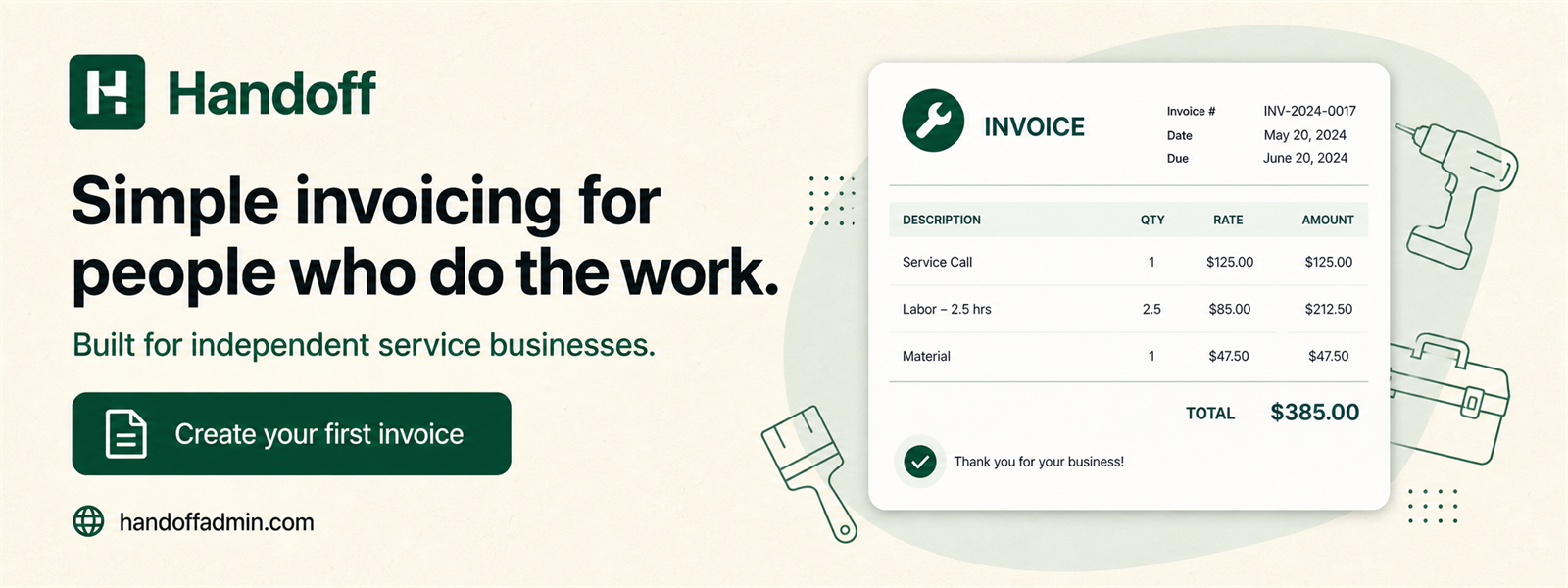
A small repair shop can turn an approved brake quote into an invoice without rebuilding the job. A clear customer document might keep the inspection, repair labour, parts, and shop materials distinct:
The saved vehicle identifies which unit received the work, while the customer snapshot preserves the billing information used when the invoice was issued. If the vehicle returns later, the mechanic can start with the same customer and asset records instead of searching old paperwork.
Keep income and expense records connected to the business
On the expense side, the shop can separately record supplier invoices, tools, shop supplies, fuel, or other business costs and attach a private receipt. Expense tracking helps organize records; it does not decide whether a cost is deductible or replace a bookkeeper.
Canadian repair shops can configure the tax lines that apply to their business and review them on each document. Handoff performs the invoice calculation, but the business remains responsible for registration, rates, exemptions, and filing.
For a closer look at the available fields, receipt privacy, exports, and accounting boundaries, read invoice and expense tracking for Canadian small businesses.
Frequently asked questions
Can Handoff create auto repair estimates?
Yes. Create a quote with labour, parts, materials, tax, and notes, then convert the approved quote into an invoice.
Can I save vehicles under a customer?
Yes. Handoff keeps vehicle or asset records connected to the customer so the correct unit can be selected on future documents.
Can I track repair-shop expenses?
Yes. Record business expenses, GST/HST paid, business-use percentage, and a private receipt. Handoff organizes those records but does not determine tax treatment.
Does Handoff process my customer's card?
No. Handoff records business invoices and payments; its Stripe integration bills only for the Handoff software subscription.
Try simpler invoicing for your next job
Handoff offers a seven-day trial without a credit card. Build a representative quote or invoice, save one expense, and decide whether the focused workflow fits the way your business actually works.
Start free trial