
Why hvac need a focused invoice workflow
Full accounting platforms can be useful when a business needs a general ledger, bank reconciliation, payroll, or tax preparation. They can also add unnecessary screens to the job a service owner repeats every day: identify the customer, describe the work, calculate a clear total, save the invoice, and follow the payment.
Handoff focuses on that operational record. It keeps quotes, invoices, customers, jobsites, assets, reusable items, payment status, and basic expense records together without claiming to replace accounting software.
- Separating diagnostic, maintenance, repair, and installation charges
- Keeping equipment or asset details tied to the right customer
- Quoting replacement work before creating the final invoice
- Tracking seasonal service work and outstanding balances
What Handoff helps you do
- Save furnaces, air conditioners, and other customer assets
- Build reusable diagnostic, tune-up, labour, and part items
- Carry accepted HVAC quotes into invoices
- Keep payment status and invoice history easy to review
A practical workflow from job to invoice
Choose the customer, location, and equipment
Select the service address and the furnace, air conditioner, heat pump, or other saved asset. This anchors the invoice to the equipment actually diagnosed.
Document the diagnostic result
Describe the complaint, test result, and recommended or completed work in customer-readable terms. Keep technician-only detail in the internal notes area.
Add each stage of the HVAC work
Separate diagnostic time, repair or installation labour, replacement components, refrigerant, and materials. If a replacement was quoted first, convert the accepted quote rather than re-entering it.
Review the total and track collection
Check discounts, tax, payment terms, and deposits before saving. Update the amount paid as the customer completes the balance.
Example: no-cooling diagnostic and capacitor replacement
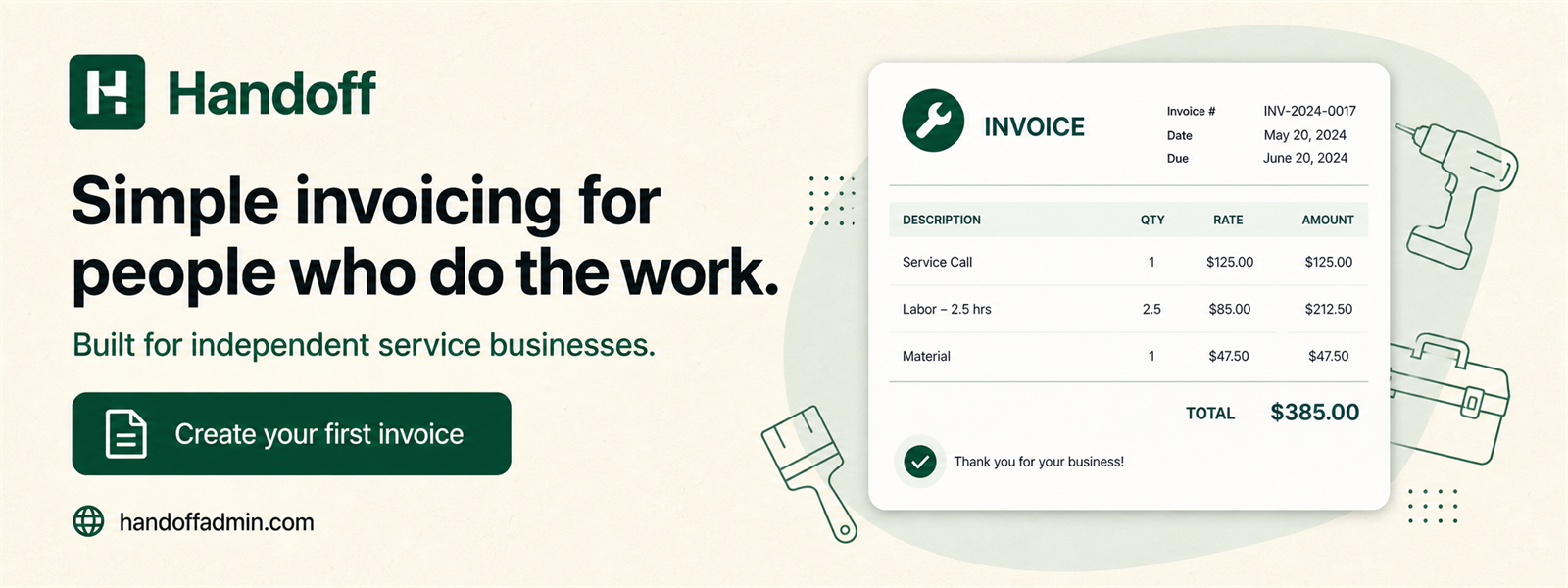
A service invoice can show why the technician attended and what restored operation. For example:
The equipment record gives the business a consistent way to identify the serviced unit. The invoice snapshot preserves the customer and jobsite information at the time of the visit even if those records change later.
Keep income and expense records connected to the business
HVAC businesses can log wholesale parts, refrigerant, tools, vehicle costs, safety equipment, or subcontractor invoices and keep a private receipt with each expense. Annual exports help prepare a bookkeeping handoff without turning Handoff into an accounting ledger.
The business chooses its invoice tax setup and reviews it on each job. Handoff can total configured taxes, but it cannot determine registration status, place-of-supply treatment, or whether an input tax credit is available.
For a closer look at the available fields, receipt privacy, exports, and accounting boundaries, read invoice and expense tracking for Canadian small businesses.
Frequently asked questions
Can I attach equipment to a customer?
Yes. Asset records help identify the furnace, air conditioner, or other unit involved in the job.
Can I quote an HVAC replacement first?
Yes. Create a quote and convert it into an invoice after the customer approves the work.
Can I save tune-up services?
Yes. Reusable catalog items make recurring maintenance and common parts faster to add.
Is Handoff useful on a phone?
Yes. Its responsive layout supports quoting and invoicing while working at a customer's property.
Try simpler invoicing for your next job
Handoff offers a seven-day trial without a credit card. Build a representative quote or invoice, save one expense, and decide whether the focused workflow fits the way your business actually works.
Start free trial