
Why electricians need a focused invoice workflow
Full accounting platforms can be useful when a business needs a general ledger, bank reconciliation, payroll, or tax preparation. They can also add unnecessary screens to the job a service owner repeats every day: identify the customer, describe the work, calculate a clear total, save the invoice, and follow the payment.
Handoff focuses on that operational record. It keeps quotes, invoices, customers, jobsites, assets, reusable items, payment status, and basic expense records together without claiming to replace accounting software.
- Billing service calls, hourly labour, and fixed-price tasks clearly
- Keeping panel, fixture, wire, breaker, and consumable charges organized
- Using the correct billing address and service location
- Following up on commercial or residential invoices that remain unpaid
What Handoff helps you do
- Keep multiple jobsites attached to one customer
- Reuse common electrical service and material items
- Show labour, items, discounts, and tax separately
- Export clean income and expense records for bookkeeping
A practical workflow from job to invoice
Select the billing customer and service address
Choose the homeowner, contractor, or property manager, then select the jobsite where the electrical work occurred. This prevents the billing address from being mistaken for the service location.
Record the service call and completed work
Describe the fault, testing, repair, or installation in language the customer can understand. A saved quote can become the starting point when the scope was approved in advance.
Add labour and electrical materials
Use separate lines for service call, journeyperson or apprentice labour, breakers, wire, fixtures, and consumables. Common entries can be reused from the Items Catalog.
Confirm taxes and payment terms
Review the calculated amount, configured Canadian tax lines, due date, and any payment already received before saving the invoice.
Example: troubleshoot and replace a failed circuit breaker
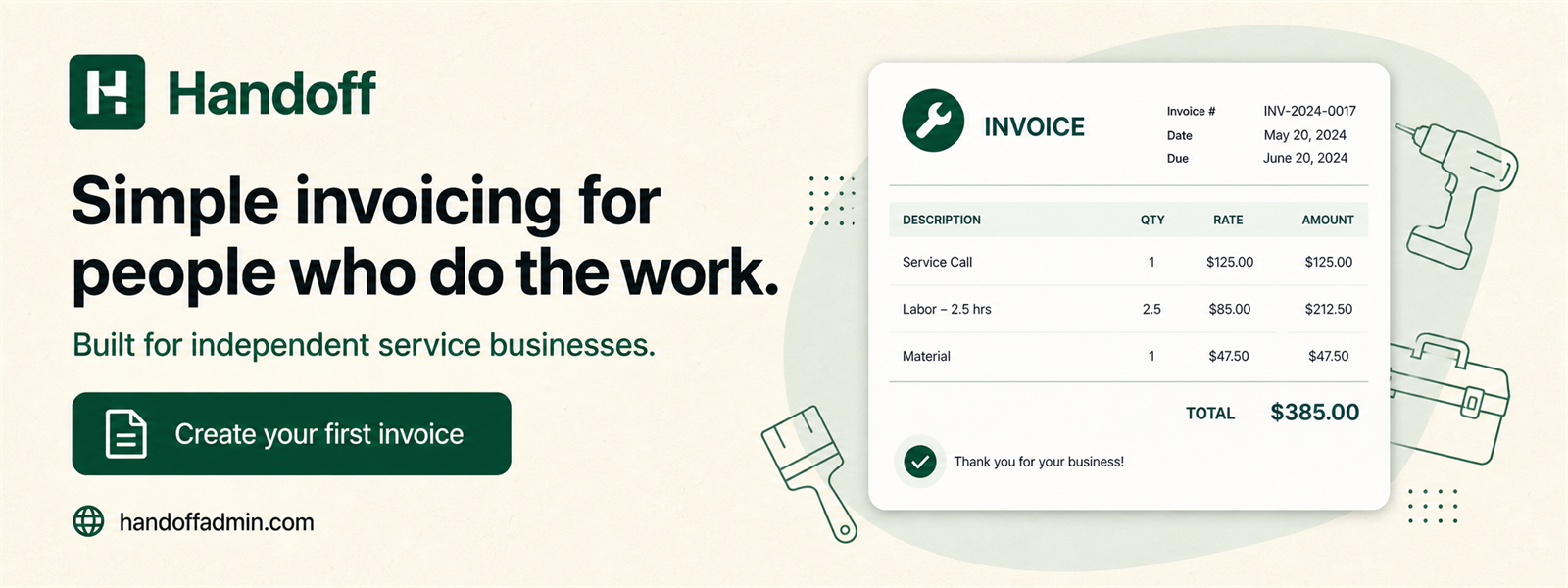
For a residential service call, the invoice should make the visit and the repair easy to distinguish. A practical set of lines could be:
For a property manager, the customer record can hold several jobsites. The saved document retains the selected location and customer details, which makes it easier to answer a later question about which unit received the work.
Keep income and expense records connected to the business
Electrical contractors can log purchases such as materials, tools, permits, vehicle costs, or subcontractor bills and attach the supporting receipt. These records can be exported for bookkeeping, but Handoff does not categorize transactions from a bank feed or prepare a tax return.
Configured GST/HST or other applicable tax lines can be added to new invoices and reviewed before saving. Provincial sales-tax requirements differ, so the contractor must confirm the settings that apply to the job and registration.
For a closer look at the available fields, receipt privacy, exports, and accounting boundaries, read invoice and expense tracking for Canadian small businesses.
Frequently asked questions
Can I invoice different jobsites for one customer?
Yes. Jobsites stay under the customer and can be selected when creating the document.
Can I save common electrical items?
Yes. Store frequently used materials and services in the Items Catalog and add them to future invoices.
Can a quote become an invoice?
Yes. Approved electrical quotes can be converted without rebuilding the job or its totals.
Does Handoff calculate tax?
Handoff calculates configured tax lines and lets you review them before saving. You remain responsible for using the correct rates and registrations.
Try simpler invoicing for your next job
Handoff offers a seven-day trial without a credit card. Build a representative quote or invoice, save one expense, and decide whether the focused workflow fits the way your business actually works.
Start free trial